Quick answer
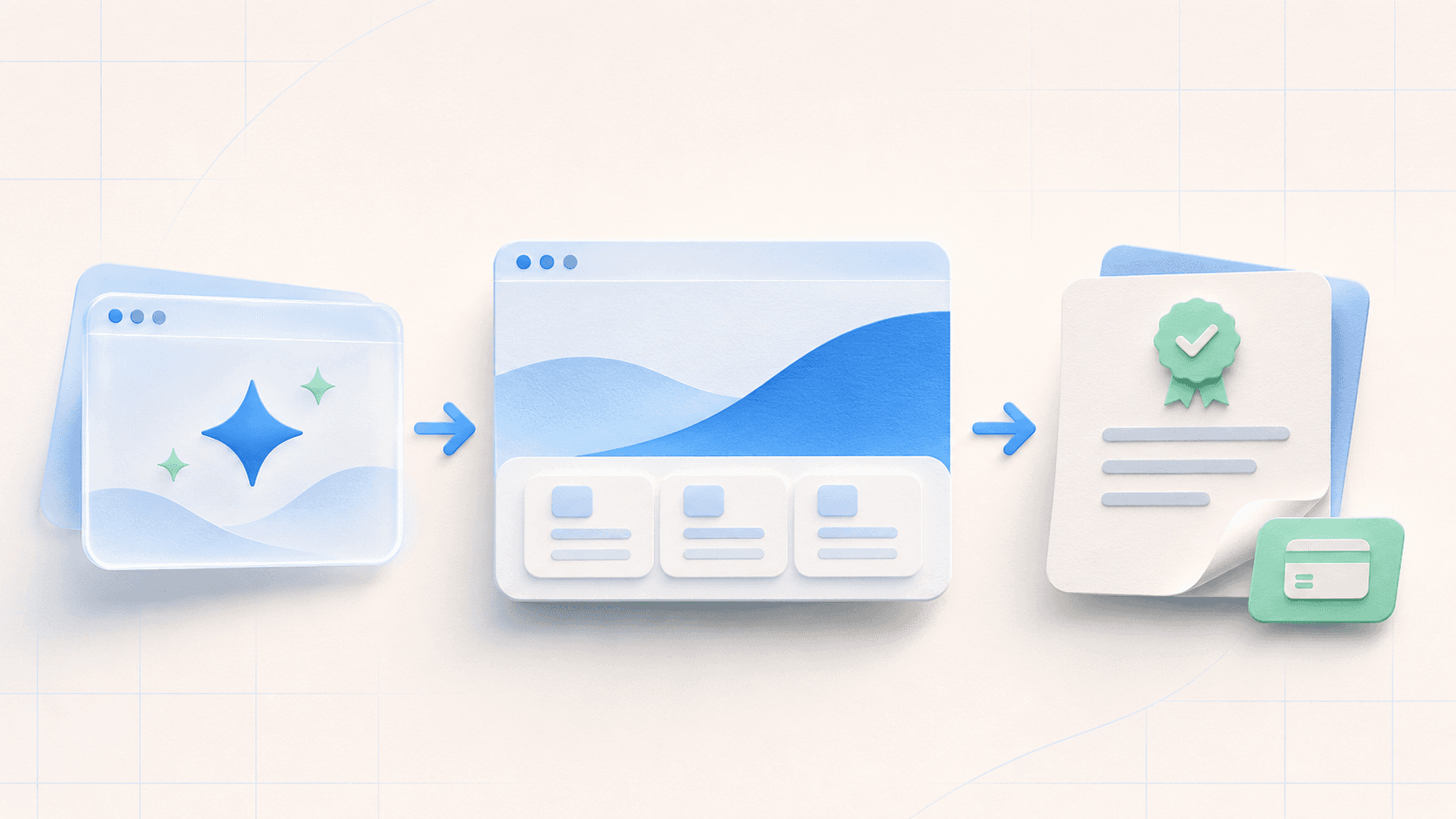
To publish and charge for AI-generated work, turn the AI draft into a clear client deliverable, agree the scope and price in writing, collect a deposit, publish one review link, get written approval, collect the final payment, and launch on the client's domain. Charge for the outcome and responsibility—not for the number of prompts.
Positioning
Clients do not buy the prompt
AI can make a first draft quickly. That draft is not the full service. The paid work is deciding what to build, making it specific to the business, checking it, and taking it safely to a real domain.
A clear result
A working site with approved copy, mobile checks, forms, links, and a real launch plan—not an untouched AI draft.
A safe process
A written scope, predictable feedback rounds, one preview link, and a handoff the client can understand.
Someone responsible
You check facts, licenses, accessibility basics, domains, and launch details before the client signs off.
Simple rule: do not sell “an AI website.” Sell a defined result for a defined customer, with a written finish line.
Step by step
How to sell an AI-generated website to a client
Use the same seven stages for every project. A repeatable process makes the work easier to quote and safer to deliver.
- 1
Choose a narrow client problem
Sell a clear outcome such as a one-page lead site, a portfolio, or a small business brochure site. Do not promise a complex app if the generated output is only static HTML or React.
- 2
Write the scope before you quote
List pages, forms, copy, images, integrations, revision rounds, hosting, domain work, and the launch date. Anything outside the list becomes a new quote.
- 3
Calculate your price floor
Estimate all working hours, multiply by your minimum sustainable rate, add direct costs, then add a buffer for revisions and risk. Quote above that floor based on the value and responsibility involved.
- 4
Collect a deposit and the client’s content
Use a written agreement. One simple payment structure is a deposit before work starts and the remaining balance before final launch or handoff.
- 5
Turn the AI draft into client-ready work
Replace generic copy and images, test every link and form, check phone layouts, remove unsupported claims, and confirm that the AI tool and assets allow the intended commercial use.
- 6
Publish one review link
Share a stable HTTPS preview instead of a ZIP or localhost address. Use a password when the work is private, and keep feedback tied to the same URL.
- 7
Approve, collect the balance, and launch
Get written approval, collect the final payment, connect the client-owned domain, confirm SSL, and document who handles future edits, hosting, and renewals.
Pricing
Set a price you can explain
There is no honest universal price for an AI-built website. Scope, market, experience, risk, and client value differ. Start with a private price floor so a “quick” project does not lose money.
Price-floor formula
(Estimated hours × minimum rate) + direct costs + risk buffer
This is your internal floor, not necessarily the final quote. The final price can be higher when the outcome carries more value or responsibility.
| Labor example | 16 hours × $30 = $480 |
|---|---|
| Direct project costs | $40 |
| 20% risk buffer | $104 |
| Example floor | $624 |
Illustrative USD example only—not a market average or pricing recommendation. Replace every input with your costs, rate, tax needs, and local market.
Package the scope, not the AI tool
| Offer | What the scope can include | Best fit |
|---|---|---|
| Launch page | One focused page, mobile QA, form/link checks, one revision round | A first offer with tight scope |
| Small business site | Several pages, content cleanup, forms, analytics, domain launch | A complete brochure website |
| Ongoing care | Hosting, agreed edits, reports, and support with clear monthly limits | Recurring service after launch |
Before work starts
Put these six items in the scope
A short proposal can still be specific. If one of these items is missing, the project can expand without the price changing.
| Pages | Exact number and page names |
|---|---|
| Content | Who supplies and approves copy, images, and claims |
| Functions | Forms, booking, payments, analytics, or other integrations |
| Revisions | How many rounds and what counts as a revision |
| Launch | Preview URL, final domain, DNS, and target date |
| After launch | Hosting, edits, support window, and renewal owner |
A simple quote sentence
“I will design, customize, test, and launch the pages listed above for [price]. This includes [number] revision rounds. Work outside this scope is quoted separately. [Deposit] starts the project; the balance is due after approval and before final launch.”
Delivery
Use one preview link and one clear handoff
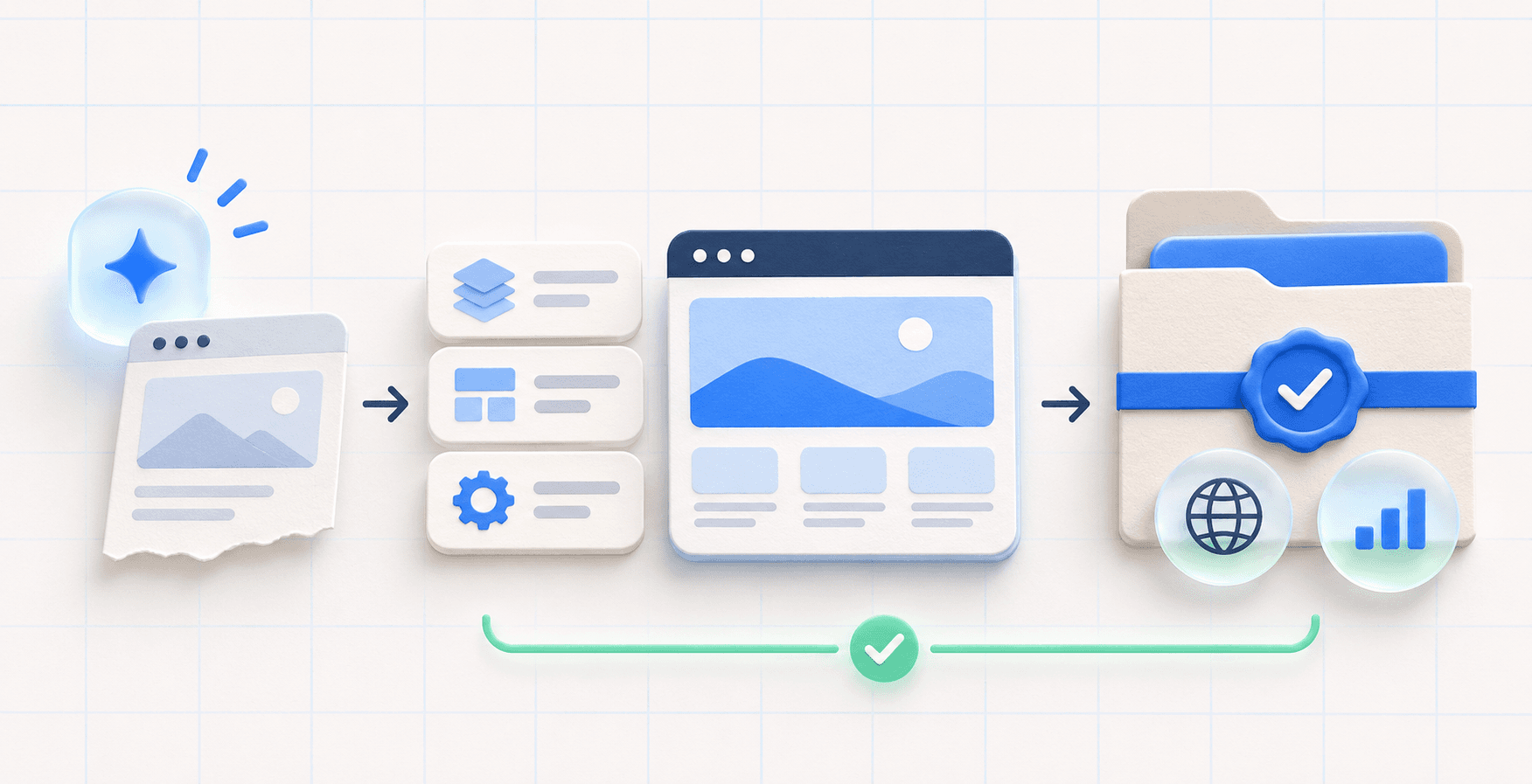
Do not email raw files and hope the client knows what to do. Publish the site, share one browser link, collect feedback, and keep each revision on that address.
Before preview
Record the deposit, scope, decision maker, content deadline, and revision limit.
During review
Share one HTTPS URL. Use a password when the work is private and ask for one combined feedback list.
Before launch
Get written approval, collect the remaining balance, and test the final domain on phone and desktop.
At handoff
Give the client domain access, agreed files or account access, renewal dates, and a support contact.
GeminiLaunch
Choose the plan around the client workflow
Start with the smallest plan that solves the real problem. A freelancer who needs several sites and analytics has different needs from one person launching one client domain.
| Plan | Best use | Client-work details |
|---|---|---|
| Free Free | Build and show an early public proof | 3 live sites; no editing after publish, private preview, or custom domain |
| Lite $5/mo | One polished client site or private review | 3 live sites, 1 custom domain, editing, badge removal, and password preview |
| Pro $15/mo | A freelancer managing several client sites | Unlimited sites, up to 5 domains, private previews, and website analytics |
| Scale $39/mo | An agency with many branded client sites | Unlimited sites and domains, analytics, templates, and priority support |
Trust
Check rights, claims, and client expectations
AI assistance does not remove your responsibility for the finished work. Check the generator's commercial terms, third-party code licenses, font and image licenses, and every factual claim before the client approves the site.
In the United States, the Copyright Office says copyright protection for generative-AI output depends on sufficient human-authored expression; prompts alone are not enough. Other countries can differ. Do not promise exclusive ownership without checking the applicable law and the assets you used.
The FTC's U.S. small-business guidance also says advertising claims must be truthful, non-deceptive, and supported by evidence. That matters when AI writes client testimonials, results, prices, qualifications, or product claims.
Primary references
- U.S. Copyright Office: Copyright and Artificial Intelligence
- U.S. FTC: Advertising FAQs for Small Business
- GeminiLaunch pricing and current plan limits
General educational information only—not legal, tax, or financial advice.
FAQ
Questions about selling AI-built websites
Can I sell a website made with AI?
You can sell a client service that uses AI, but you must check the commercial-use terms for every generator, template, font, image, and code library involved. Your agreement should say what the client receives and what rights you can actually transfer. Laws differ by country, so get legal advice when ownership is important.
How should I charge for an AI-generated website?
Start with a price floor: estimated hours multiplied by your minimum sustainable rate, plus direct costs and a buffer for revisions and risk. Then quote a fixed project price for a written scope. AI may shorten production, but the client is still paying for the result, judgment, QA, communication, and launch responsibility.
Should I tell the client that I used AI?
Be honest about your process and never claim work was created entirely by hand when it was not. Explain that AI helped produce the first draft and that you handled direction, editing, testing, licensing checks, and delivery. Some clients or industries may require specific AI disclosures, so include them when required.
Should I take payment before publishing the website?
A simple option is to collect a deposit before work starts and collect the remaining balance after written approval but before the final domain launch or transfer. Put the payment stages, refund terms, revision limit, and handoff conditions in the agreement so neither side has to guess.
Who should own the client’s domain?
The client should usually register and own the domain in an account they control, then give you only the access needed for setup. This reduces disputes and makes future handoff easier. Record who pays for renewals and who is responsible if a domain expires.
Can I charge a monthly fee after the website launches?
Yes, when the monthly service has a clear scope. State exactly what the fee includes, such as hosting, a set amount of edits, analytics reports, or support. Do not sell vague unlimited maintenance. Define response time, excluded work, cancellation, and what happens to the site and domain afterward.
Which GeminiLaunch plan is best for client websites?
Lite ($5/mo) fits one polished site or a password-protected preview. Pro ($15/mo) fits freelancers because it includes unlimited live sites, up to 5 custom domains, and analytics. Scale ($39/mo) fits agencies that need unlimited custom domains.
Can GeminiLaunch host every AI-generated app?
No. GeminiLaunch is for browser-ready HTML, React, and static website files. A project that needs a private server, database, secret API keys, user accounts, or server-side payment processing needs a suitable backend or application platform. Never place secret keys inside browser code.
Like this guide? Make GeminiLaunch a preferred source.
Get our hosting and deployment guides surfaced first in your Google results, AI Overviews, and Top Stories.
Sell the finished result, not the raw AI draft
Publish a working preview, collect clear approval, then choose Lite, Pro, or Scale when the client needs privacy, a custom domain, analytics, or more sites.